


PickUppointment Hub: Real-Time Dispatch and Customer Portal for WordPress
PickUppointment Hub is the premium add-on for the free PickUppointment plugin. It turns local pickup and delivery into a full dispatch operation, with separate portals for customers and drivers, live GPS tracking, secure OTP sign-up and self-service order management. Run your fleet from the field, keep customers informed without phone calls, and cut down on spam registrations, all from your WordPress site.
Separate Portals for Customers and Drivers
PickUppointment Hub gives customers and drivers their own login environments, separate from the WordPress admin area. Each role sees only the tools it needs, so customers book and track orders while drivers focus on their routes.
Secure Registration with OTP Verification
Spam sign-ups can clutter your customer database and waste staff time. PickUppointment Hub uses one-time password (OTP) verification during customer registration, so only people who can receive a code can create an account.
Customer Self-Service Dashboard
Customers manage their own orders from one dashboard:
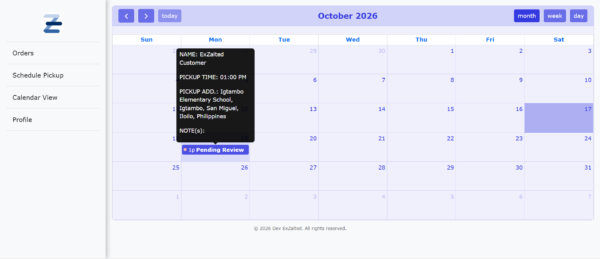
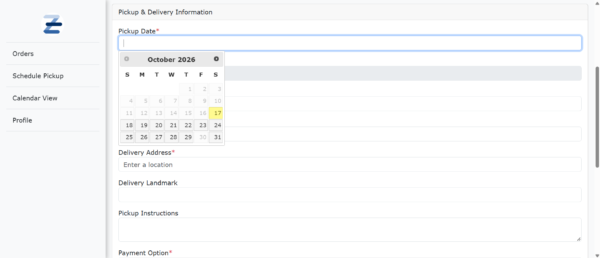
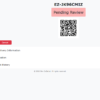
- Schedule pickups and review past order history
- Update profile details without contacting staff
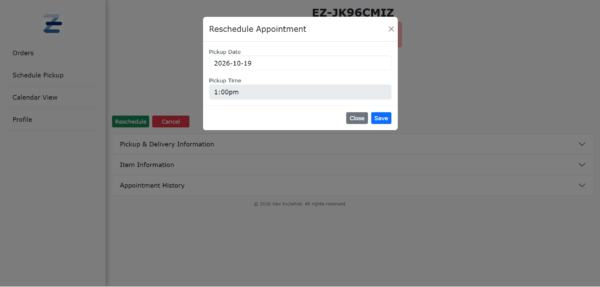
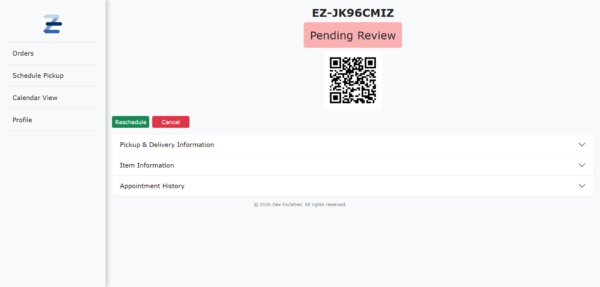
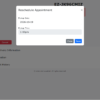
- Cancel or reschedule bookings according to your store policies
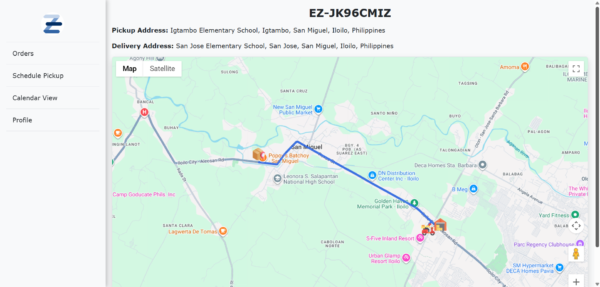
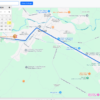
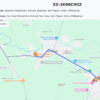
- Track their driver on a live map when an order is on the way for pickup or delivery
Self-service reduces phone calls and emails, so your staff can spend their time on the work that needs them.
Driver Dispatch and Fleet Execution Hub
Drivers get a mobile-friendly interface built for use in the field:
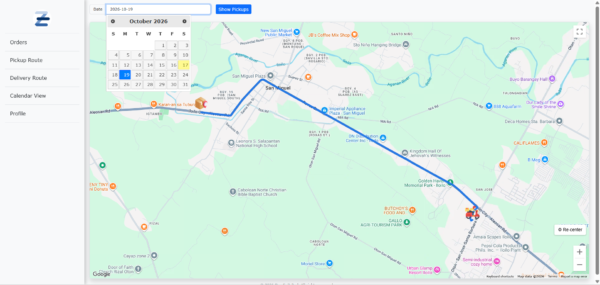
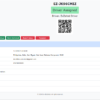
- Turn-by-turn route tracking shows each driver’s live GPS position on route pages while navigating to pickup and delivery addresses.
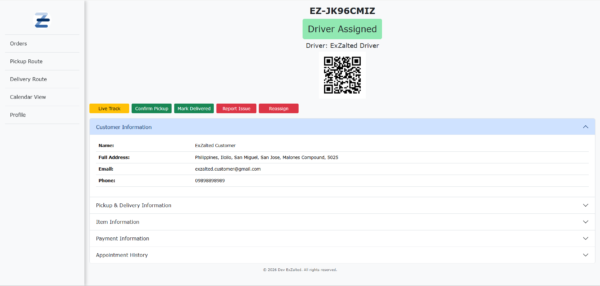
- One-tap status updates let drivers confirm pickups and deliveries instantly.
- Issue reporting and tagging lets drivers flag problems on the spot, such as a customer being unavailable, an incorrect address or a damaged item.
- Driver-to-driver transfer requests keep deliveries on schedule when a vehicle breaks down or an emergency comes up. A driver can hand a route to a colleague without delaying customers.
Built for Local Pickup and Delivery
PickUppointment Hub works with the free PickUppointment plugin, which must be installed and active on your site. The free plugin provides the core booking and order features that the Hub builds on.
Frequently Asked Questions
Do I need the free PickUppointment plugin?
Yes. PickUppointment Hub is an add-on and requires the free PickUppointment plugin to be installed and activated.
How does the live driver tracking work?
When an order is on the way for pickup or delivery, the customer can see their assigned driver’s location on a live map. Drivers share their GPS position from their route pages while they navigate.
Can customers cancel or reschedule their own orders?
Yes. Customers can cancel or reschedule bookings within the limits your store policies set, without contacting staff.
How do drivers report a problem with a delivery?
Drivers can flag issues directly from the field, such as a customer being unavailable, an incorrect address or a damaged item, and tag them for follow-up.
Get Started
- Install and activate the free PickUppointment plugin.
- Upload and activate PickUppointment Hub.
- Set up your customer and driver portals from the PickUppointment settings.
- Invite your drivers and start dispatching.